
Tempest High Score Save & Multigame Kit Compatibility
Verify compatibility before ordering the Tempest high score save kit for compatible original Atari Tempest arcade hardware. The upgrade works with the original Tempest PCB and adds support for both Tempest and Tempest Tubes while keeping the original vector arcade platform in service.
Choosing the Correct Tempest Arcade PCB Upgrade
The HighScoreSaves Tempest upgrade is intended for compatible original Atari Tempest arcade hardware. Compatibility should be confirmed from the actual PCB and processor configuration inside the cabinet rather than from cabinet artwork or the game title alone.
Before ordering a Tempest high score save kit, verify the original Atari PCB, 6502 processor location, processor socket, surrounding board condition, and installation requirements shown in the guide.
Original Atari Tempest Hardware Required
Tempest and Tempest Tubes Compatibility
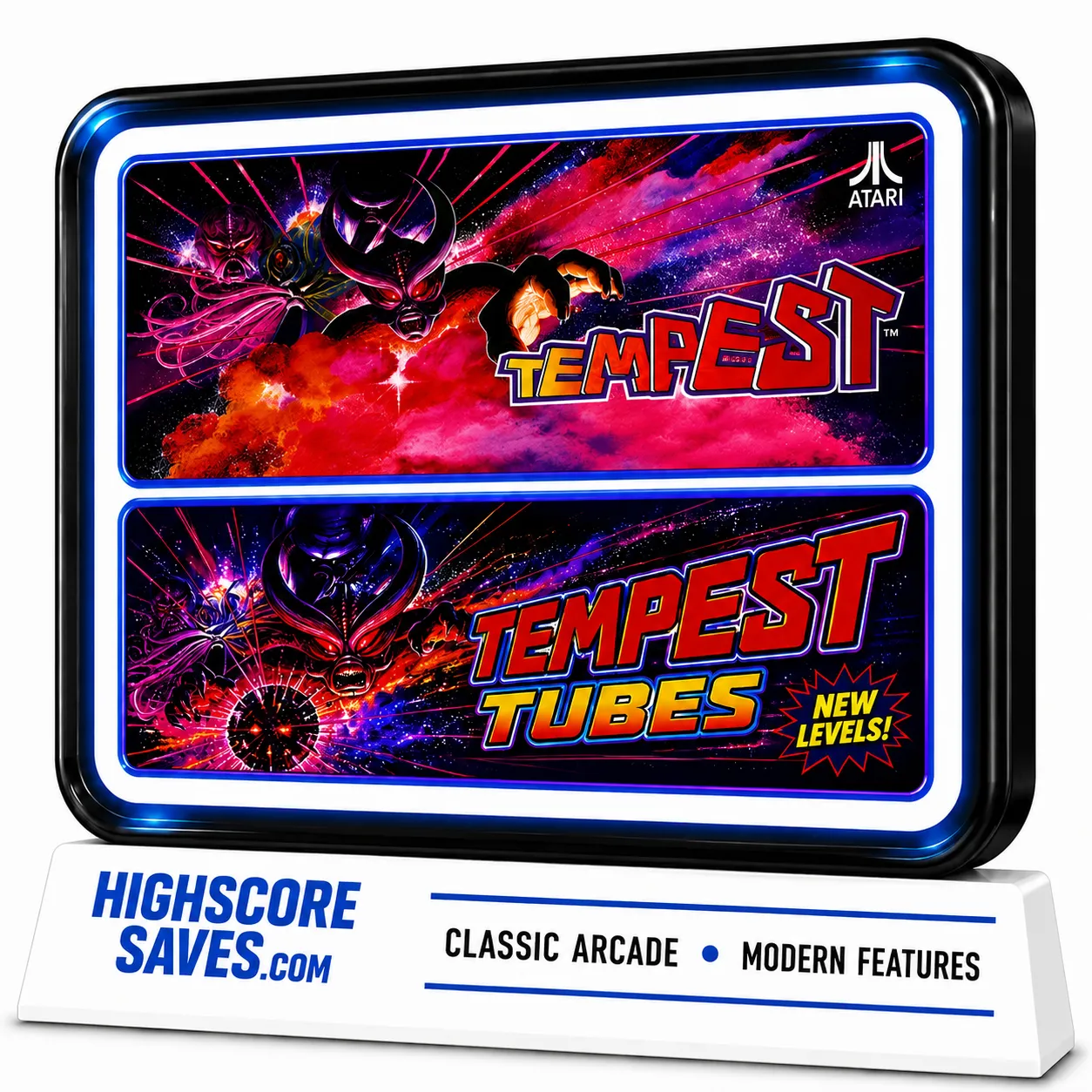
The compatible HighScoreSaves Tempest multigame upgrade supports both Tempest and Tempest Tubes on the original Tempest hardware platform.
Tempest Tubes adds alternate tube layouts and additional gameplay variety while continuing to use the original Atari Tempest PCB as the hardware foundation.
Tempest 6502 Processor Requirements
What If the 6502 Is Soldered to the PCB?
If the 6502 processor is soldered directly to the Tempest PCB, a compatible processor socket must be installed before the upgrade can be fitted.
Installing a CPU socket is a PCB modification and should be performed by someone experienced with arcade-board soldering and component removal.
Preserving the Original Atari Vector Hardware
Tempest uses Atari's dedicated vector arcade hardware rather than a conventional raster display system. Its geometric graphics are produced by the cabinet's vector hardware and display system.
Keeping the original PCB and vector hardware in service preserves the architecture around which the cabinet was designed while allowing a compatible daughterboard-style upgrade to add supported functionality.
Tempest Pre-Order Checklist
After Confirming Compatibility
Once the original Atari Tempest PCB, 6502 processor location, compatible socket, board condition, and installation requirements have been confirmed, use the product page for complete information about Tempest and Tempest Tubes, Free Play, high score saving, Standard and Wi-Fi choices, current pricing, availability, and ordering.
Tempest Compatibility FAQ
Which arcade PCB is required?
The upgrade is intended for compatible original Atari Tempest arcade hardware.
Which processor location does the upgrade use?
The upgrade interfaces with the original Tempest PCB at the 6502 processor location.
Does the 6502 need to be socketed?
Yes. If the processor is soldered directly to the PCB, a compatible socket must be installed before the upgrade can be fitted.
Does the upgrade replace the original Atari PCB?
No. The upgrade works with the original Tempest arcade PCB rather than replacing it with an emulation or multicade system.
Does it support Tempest Tubes?
Yes. The compatible multigame upgrade supports both Tempest and Tempest Tubes.
Why should I inspect the PCB before ordering?
Original arcade boards may have decades of repairs or modifications, so processor and socket condition should be confirmed from the actual board.